

How to properly power your equipment with the WGP UPS Optima 302?
The WGP UPS Optima 302 is a MINI UPS for network and security devices, aiming to solve your power outage problems. It functions as an ups for cameras, a mini ups for wifi router (supporting 5V, 9V, 12V), and a power bank router.
Please follow the steps below to fully utilize the performance of your WGP UPS Optima 302.
Step 1: Check compatibility before connection
The WGP UPS Optima 302 device provides a USB output port (5V/3A; 9V/2A) and three DC output ports (9V/1A; 12V/2A; 12V/2A).
Before connecting, it is also necessary to check the parameters on your router, modem or camera to confirm the required voltage and current.
⚠️ Important note: Do not connect devices that require more than 12V.
Step 2: Place the WGP UPS Optima 302 in the correct position
Please place the MINI UPS on a stable and flat surface.
Ensure ventilation – do not cover the UPS with cloth, paper or other items.
Keep away from heat sources – avoid direct sunlight, heating equipment
Avoid moisture and water intrusion – do not place it in the bathroom.
Step 3: Connect your router or device
Ensure that the MINI UPS has been fully charged
For routers with an input voltage of 9 volts or 12 volts: Select the appropriate DC adapter plug (provided by us). Connect the DC cable to the power interface of the router, ensuring a secure connection.
For devices using USB power (mobile phones, headphones): Use a standard USB data cable.
Connect one end to your device and the other end to the USB output port of the UPS.
Step 4: Keep the WGP UPS Optima 302 supply plugged in continuously
Use the adapter provided with your device. Our product is compatible with the adapter of your device’s router.
One end is inserted into the socket, and the other end is connected to the input port of the MINI UPS.
Keep it powered on at all times – even when there is no power outage.
The MINI UPS will automatically charge the internal battery when the main power is turned on.
When there is a power outage, the WGP UPS Optima 302 can instantly switch to battery power mode. Your router will not restart or disconnect, and you won’t even notice this switch.
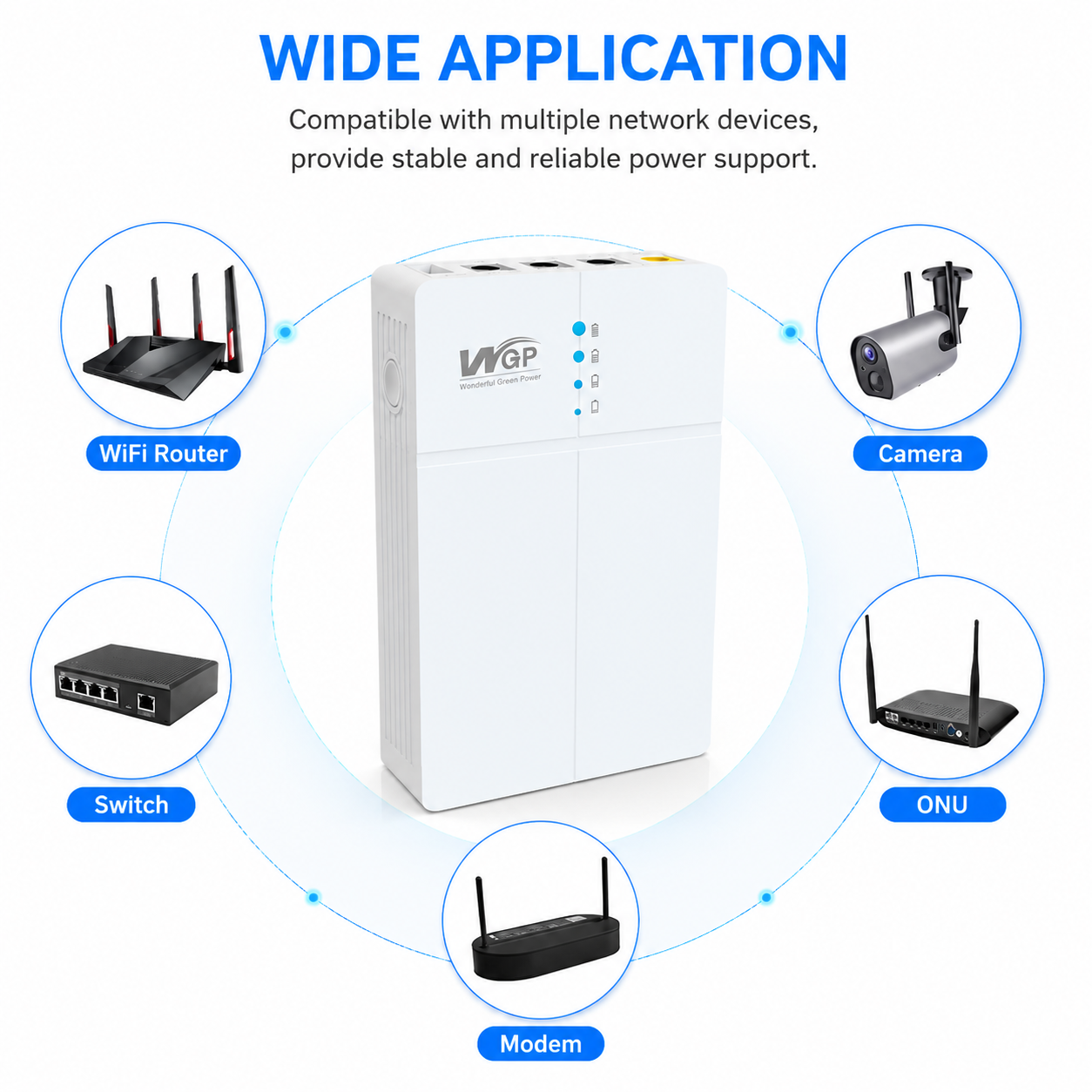
Let WGP UPS Optima 302 provide security for your life and ensure that the network connection is always smooth.
Company Name: Shenzhen Richroc Electronic Co., Ltd
Email: enquiry@richroctech.com
WhatsApp:+86 186 8874 4282
Post time: Jun-05-2026


