
How to Effectively Test MINI UPS Backup Duration: Best Practices for Ensuring Continuous Power Supply
As technology advances and our reliance on network connectivity grows, the importance of UPS (Uninterruptible Power Supply) devices in both homes and businesses has become increasingly evident. The MINI UPS, in particular—distinguished by its compact size and lightweight design—has emerged as an ideal backup power solution for various devices, such as routers and security cameras. This article will explore in detail how to effectively test the backup duration of a MINI UPS, as well as provide practical tips and precautions for real-world usage, ensuring that your devices continue to operate normally during power outages.
What is a MINI UPS?
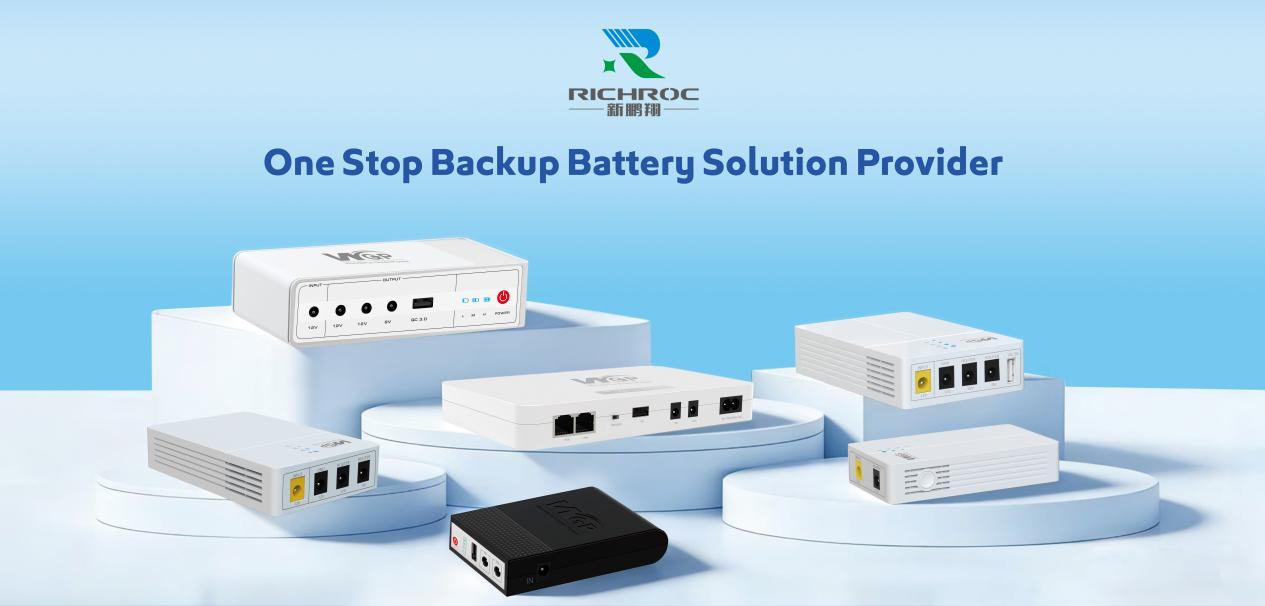
A MINI UPS is a compact uninterruptible power supply device designed primarily to provide backup power for low-power devices. Its operating principle involves storing electrical energy within a built-in battery; when the main utility power is interrupted, the unit immediately switches to battery power, ensuring that connected devices do not cease functioning due to a lack of electricity. On the market today, MINI UPS units are commonly used with devices such as routers, network switches, and surveillance systems, guaranteeing that network connectivity and device security remain unaffected during power interruptions.
The Necessity of Testing MINI UPS Backup Duration
Testing the backup duration of a MINI UPS is crucial for users, as it directly determines whether connected devices can continue to operate normally during a power outage. This is particularly critical in key business scenarios or home environments where ensuring continuous and stable network connectivity is of paramount importance. Therefore, understanding the actual backup duration of the device enables us to make more informed decisions regarding device selection, usage, and maintenance.
Overview of Testing Methods
Testing the backup duration of a MINI UPS can generally be accomplished by following these steps:
1. Verify Device Status: Ensure that the UPS is fully charged; it should be allowed to charge for at least 8 hours prior to the test.
2. Prepare the Load Device: Select an appropriate device to serve as the load—using a TP-Link router as an example—and determine its specific power consumption requirements.
3. Connect the Load:Connect the router to the UPS, then disconnect the UPS from the main utility power source to ensure that the UPS is actively supplying power.
4. Monitor the Time: Start a timer to record the exact moment the UPS begins supplying power, and continuously monitor the operational status of the router.
5. Observe and Record: While the UPS is supplying power, observe the stability of the router’s operation and record the precise time at which power is eventually cut off. Detailed Step-by-Step Analysis
1. Confirm Device Status
Before initiating the test, you must first verify that the UPS is fully charged. For devices like the Optima 302, both battery capacity and the performance of the charging system are critical factors influencing backup duration. Ensure the UPS has charged for at least 8 hours, and avoid any interference from external power sources during the charging process; this ensures the accuracy of the test results.
2. Prepare Load Equipment
When selecting load equipment—taking a TP-Link router as an example—check its rated power consumption. Different router models have varying power requirements; therefore, it is essential to know the actual power draw of the target device during testing. For instance, a typical TP-Link router consumes between 6 and 12 watts. Selecting a load with higher power consumption for the test allows for a quicker assessment of the UPS’s backup duration.
3. Connect the Load
When using this UPS, ensure that the load equipment is connected correctly. Plug the router into the UPS’s output port, and verify that both the power cord and data cables are securely and correctly connected. Disconnect the UPS from the mains power supply to switch it over to UPS battery power. Once the connections are complete, confirm that the router powers on and operates normally. With all connections verified as correct, you may begin the test.
4. Monitor the Time
Monitor the UPS’s power supply status at regular intervals. Use a stopwatch or an efficient recording method to log the exact time the UPS begins supplying power. During this time, observe the router’s indicator lights; once the lights go out, it signifies that the UPS is no longer able to provide power.
5. Observe and Record
Maintaining full attention throughout this process is essential. Observe the router’s operational status while running on UPS power to ensure stable performance, and simultaneously record the total duration of the UPS’s continuous power supply. For example, during tests of the Optima 302, it was able to provide power for over 12.8 hours when fully charged; this data serves as a valuable reference point for both purchasing and utilizing a UPS.
Key Factors Influencing UPS Backup Duration
During the actual testing process, several factors may influence the backup duration of a Mini UPS:
Battery Capacity: The capacity and quality of the battery used in the UPS directly determine how long it can supply power. High-grade batteries—such as the Grade-A cells selected by Xinpengxiang Electronics—typically offer higher capacity and more reliable performance. – Load Power:The higher the power consumption of the connected devices, the shorter the UPS’s runtime. Furthermore, if a router utilizes high-power functions (such as switching Wi-Fi bandwidths), this will also impact the duration of the power supply.
-Environmental Temperature: Battery performance degrades in environments with extreme heat or cold; therefore, it is essential to operate the UPS within an appropriate temperature range.
-Aging and Usage:** After prolonged use, the UPS battery may undergo a certain degree of aging, which subsequently diminishes its overall power delivery capacity. Consequently, regular maintenance and inspection of the UPS equipment are crucial.
In summary, by employing scientific and rational testing methods, users can effectively determine the backup duration of a Mini UPS, thereby mitigating the risk of equipment failure caused by power outages. From selection and daily operation to routine maintenance, each of these stages plays a critical role in ensuring the proper functioning of the UPS equipment. In particular, the Optima 302 ability to provide over 12.8 hours of power on a full charge serves as a compelling demonstration of the importance of high-quality batteries.
Looking ahead, as technology continues to advance, we anticipate the emergence of even more efficient and stable UPS solutions, enabling us to enjoy more reliable power protection in both our daily lives and professional endeavors.
Company Name: Shenzhen Richroc Electronic Co., Ltd
Email: enquiry@richroctech.com
WhatsApp:+86 186 8874 4282
Post time: May-15-2026


